





Protective Tempered Glass Mobilis Full Cover HD Glass for iPhone 17 Pro Max
Product code:
P12840
Guarantee:
24 months / Company registration number 3 months
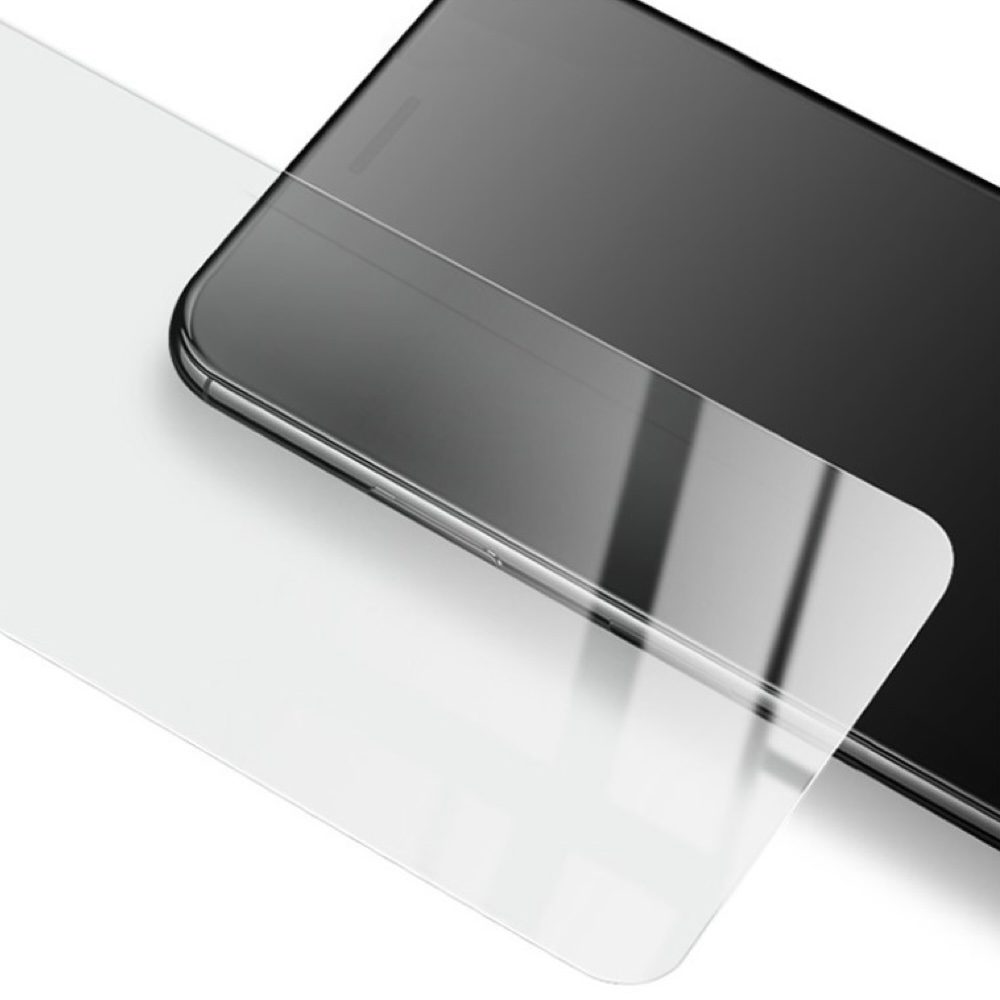
Protective tempered glass Mobilis Aluminosilicate HD Full Cover with 9H hardness, 0.3 mm thickness.
-
Product specifications
Description
Protective tempered glass Mobilis Aluminosilicate HD Full Cover with 9H hardness, 0.3 mm thickness.
Give your iPhone premium protection and crystal-clear visuals with the Mobilis Full Cover HD Glass protective tempered glass. The glass is made from durable aluminosilicate material, which is stronger and more resistant than standard tempered glass, reliably protecting your display from scratches and impacts.
Thanks to Full Cover technology, the glass perfectly adapts to the screen, covering it right to the edges, while gently rounded edges ensure comfortable use without sharp transitions. The HD image clarity preserves the original brightness and colours of the display, allowing you to enjoy an uncompromised visual experience.
The glass is just 0.3 mm thin, ensuring it does not interfere with touch responsiveness, and its oleophobic coating repels fingerprints and grease.
Key Features:
-
Aluminosilicate tempered glass – higher strength and resistance to damage.
-
Full Cover design – covers the screen to the edges, including gently rounded corners.
-
HD image clarity – preserves the brightness and colours of the original display.
-
9H hardness – protects against scratches from keys, coins, and other sharp objects.
-
0.3 mm thickness – ultra-thin glass maintains perfect touch responsiveness.
-
Oleophobic coating – minimises fingerprints and grease.

Instructions for applying the tempered glass:
-
Prepare your workspace: Find a clean and well-lit area. We recommend working in a low-dust environment to prevent debris from settling on the screen during application.
-
Clean the screen: Use the cleaning wipe to thoroughly clean the screen of fingerprints, dust, and grease. Then dry the screen with the dry cloth.
-
Remove any remaining debris: Use the included sticker (or dust remover) to remove any remaining particles or dust from the screen.
-
Remove the protective film from the glass: Carefully peel off the protective film from the tempered glass without touching the adhesive side of the glass.
-
Place the glass on the screen: Align the tempered glass with the edges of the screen, especially around cut-outs for the camera, speaker, and buttons. Apply the glass starting from one side (top or centre), and slowly lay it down.
-
Remove air bubbles: Once the glass is on the screen, gently press it to ensure adhesion. If air bubbles appear, use a cloth or your finger to push them towards the edges.
-
Let the glass settle: After application, allow the glass to settle for a while to ensure firm adhesion. Avoid immediately attaching a protective case until the glass is fully adhered.
-
Attach a protective case (optional): If you use a protective case, carefully check that it does not interfere with the edges of the glass or cause it to lift.
Following these steps ensures correct application of the tempered glass, maximum screen protection, and extended durability.
ParametersVýrobce MOBILIS Dovozce Servisní díly s.r.o. -
- The product is in category with 1
- Ask the seller