




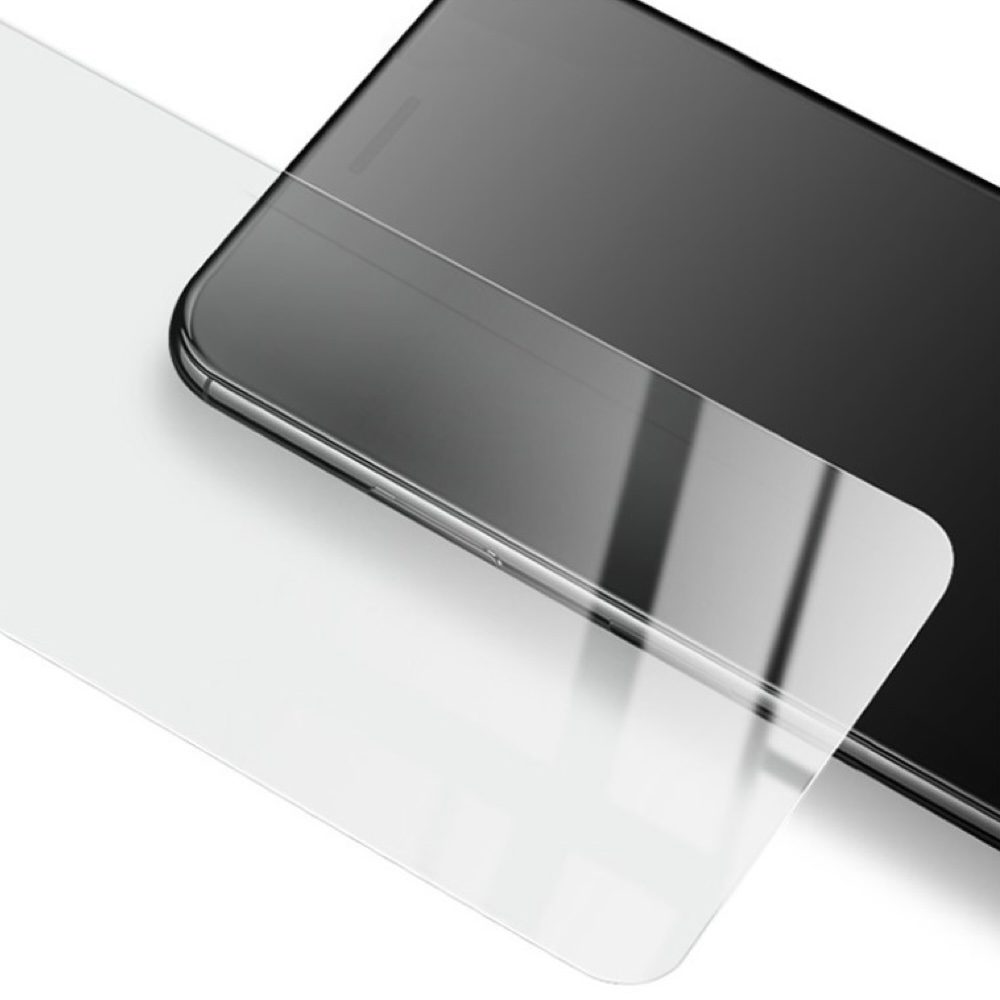
Mobilis Tempered Glass for Xiaomi Redmi 10 5G/Poco M4 5G/Poco M5 (2.5D)
Product code:
P11240
Guarantee:
24 months / Company registration number 3 months
Mobilis 2.5D Tempered Glass with 9H hardness, 0.3mm thickness.
-
Product specifications
Description
Mobilis 2.5D Tempered Glass with 9H hardness, 0.3mm thickness.
Provide your device with maximum protection with Mobilis 2.5D tempered glass, offering top-notch 9H hardness and a thickness of just 0.3 mm. The oleophobic coating effectively repels grease, fingerprints, and other contaminants. This protective glass is the perfect choice for anyone seeking quality and reliable screen protection for their mobile phone.
Key Features:
- 9H Hardness: On the Mohs hardness scale, which measures material resistance, 9H hardness is just below diamond, which ranks highest (10H). Therefore, Mobilis tempered glass is exceptionally resistant to scratches from sharp objects like keys and coins.
- 2.5D Design: This glass is designed with gently rounded edges, ensuring comfortable use when touching without sharp corners. The difference between 2.5D and 3D glass lies mainly in the degree of edge curvature – while 2.5D has only slightly rounded edges, 3D glass is curved across the entire surface and better conforms to curved displays. 2.5D glass is ideal for flat screens; for some models with significantly curved displays, 2.5D glass may not cover the entire screen area but is often advantageous for use with protective cases as it reduces the risk of the glass peeling off when using a cover.
- 0.3 mm Thickness: Thanks to its ultra-thin construction, the glass is almost invisible and does not interfere with the sensitivity of the touchscreen.
Mobilis protective glass is the perfect solution for users who want to protect their phones from scratches, impacts, and other external influences without sacrificing aesthetics or functionality. Even in the event of an unexpected fall or strong impact, the protective glass absorbs most of the impact energy, keeping your display intact. Mobilis protective glass represents a smart investment that pays off. With its help, you can be sure that your phone will remain in perfect condition even with daily use.
Give your device the best and ensure its longevity.

Instructions for Applying Tempered Glass:
-
Prepare Your Workspace: Find a clean and well-lit area. It is recommended to work in an environment with minimal dust to avoid dirt on the display during application.
-
Clean the Display: Use a cleaning wipe to thoroughly clean the display from fingerprints, dust, and grease. Then dry the display with a dry cloth.
-
Remove Last Debris: Use the included sticker (or dust remover) to remove any remaining dirt or dust particles from the display.
-
Remove the Protective Film from the Glass: Carefully peel off the protective film from the tempered glass without touching the adhesive side of the glass.
-
Place the Glass on the Display: Align the tempered glass with the edges of the display, especially at the cutouts for the camera, speaker, and buttons. Apply the glass from one side of the display (start from the top or middle) and slowly lay it down.
-
Remove Air Bubbles: Once the glass is on the display, gently press it to ensure adhesion. If air bubbles appear, use a cloth or your finger to push them towards the edges.
-
Let the Glass Settle: After application, allow the glass to adhere for a while to settle firmly on the display. Avoid immediately putting on a protective cover until the glass fully adheres.
-
Applying a Protective Cover (Optional): If you are using a protective cover, carefully check that it does not interfere with the edges of the glass and does not cause it to lift.
Following these steps will ensure proper application of the tempered glass, maximum screen protection, and extended longevity of the protection.
ParametersVýrobce MOBILIS Dovozce Servisní díly s.r.o. - The product is in category with 3
- Ask the seller
