





Mobilis Premium Privacy Shield Tempered Glass for iPhone 11 / XR
Product code:
P12827
Guarantee:
24 months / Company registration number 3 months
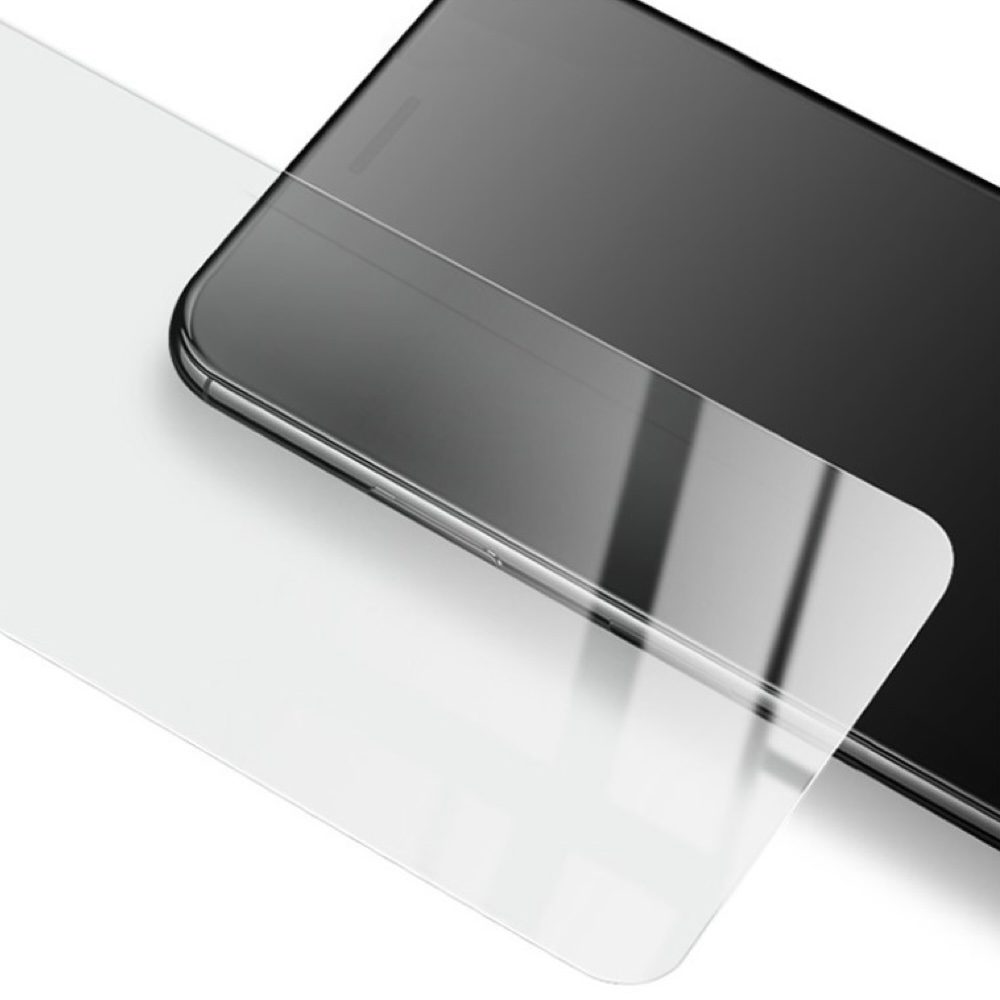
Mobilis Electroplating Privacy Tempered Glass with 9H hardness and 0.3 mm thickness.
-
Product specifications
Description
Mobilis Electroplating Privacy Tempered Glass with 9H hardness and 0.3 mm thickness.
Protect your iPhone not only from damage but also from prying eyes. Electroplating Privacy Tempered Glass combines premium screen protection with unique privacy technology, ensuring that only you can see the content of your screen.
Thanks to the electroplating surface, the glass has an elegant look, resists fingerprints, and remains clean even with daily use. With a hardness of 9H and a thickness of just 0.3 mm, it provides maximum security without compromising touch sensitivity or image quality.
Whether you’re using your phone on public transport, in a café, or at the office – with this privacy glass, you can be confident that your messages, emails, and personal content remain for your eyes only.
Electroplating Privacy Tempered Glass - a perfect fusion of maximum privacy and stylish design.
Key Features:
-
Privacy Technology – the screen is clearly visible only when viewed directly, while appearing dark from side angles.
-
Electroplating Surface – elegant look, easy to clean, and reduced fingerprint smudges.
-
9H Hardness – high resistance to scratches from keys, coins, and other objects.
-
0.3 mm Thickness – ultra-thin glass maintains perfect touch responsiveness and clear image quality.
-
Drop Protection – absorbs impact and protects the original screen from damage.

Instructions for applying tempered glass:
-
Prepare your workspace: Find a clean, well-lit area. It is recommended to work in a low-dust environment to avoid debris on the screen during application.
-
Clean the screen: Use a cleaning wipe to thoroughly remove fingerprints, dust, and grease from the screen. Then dry the screen with a dry cloth.
-
Remove remaining dust: Use the included sticker (or dust remover) to eliminate any remaining debris or dust particles from the screen.
-
Remove the protective film from the glass: Carefully peel off the protective film from the tempered glass without touching the adhesive side.
-
Position the glass on the screen: Align the tempered glass with the edges of the screen, especially around cut-outs for the camera, speaker, and buttons. Apply the glass starting from one side of the screen (begin at the top or centre) and slowly press it down.
-
Eliminate air bubbles: Once the glass is on the screen, gently press it to ensure adherence. If air bubbles appear, use a cloth or finger to push them towards the edges.
-
Let the glass settle: After application, let the glass adhere for a while to ensure it is firmly in place. Avoid immediately attaching a protective case until the glass has fully adhered.
-
Attach a protective case (optional): If using a protective case, carefully check that it does not interfere with the edges of the glass or cause it to lift.
Following these steps ensures proper application of the tempered glass, maximum screen protection, and extended lifespan of the screen protector.
ParametersVýrobce MOBILIS Dovozce Servisní díly s.r.o. -
- The product is in category with 3
- Ask the seller
